Laptop Buying Guide
.jpg)
Laptop Buying Guide
A laptop is a practical, stylish, and popular computer that is easily portable from one place to another. Laptops are suitable for all kinds of work, including gaming, studying, or professional use. Laptops differ in many features, including screen size, image quality, processor, storage space, and graphics cards.
Which laptop should you buy?
Choosing a laptop requires careful consideration. We have compiled this laptop buying guide to help you decide which laptop is right for you. Therefore, take advantage of this laptop buying guide to find the best laptop for you!
Best laptop for different needs
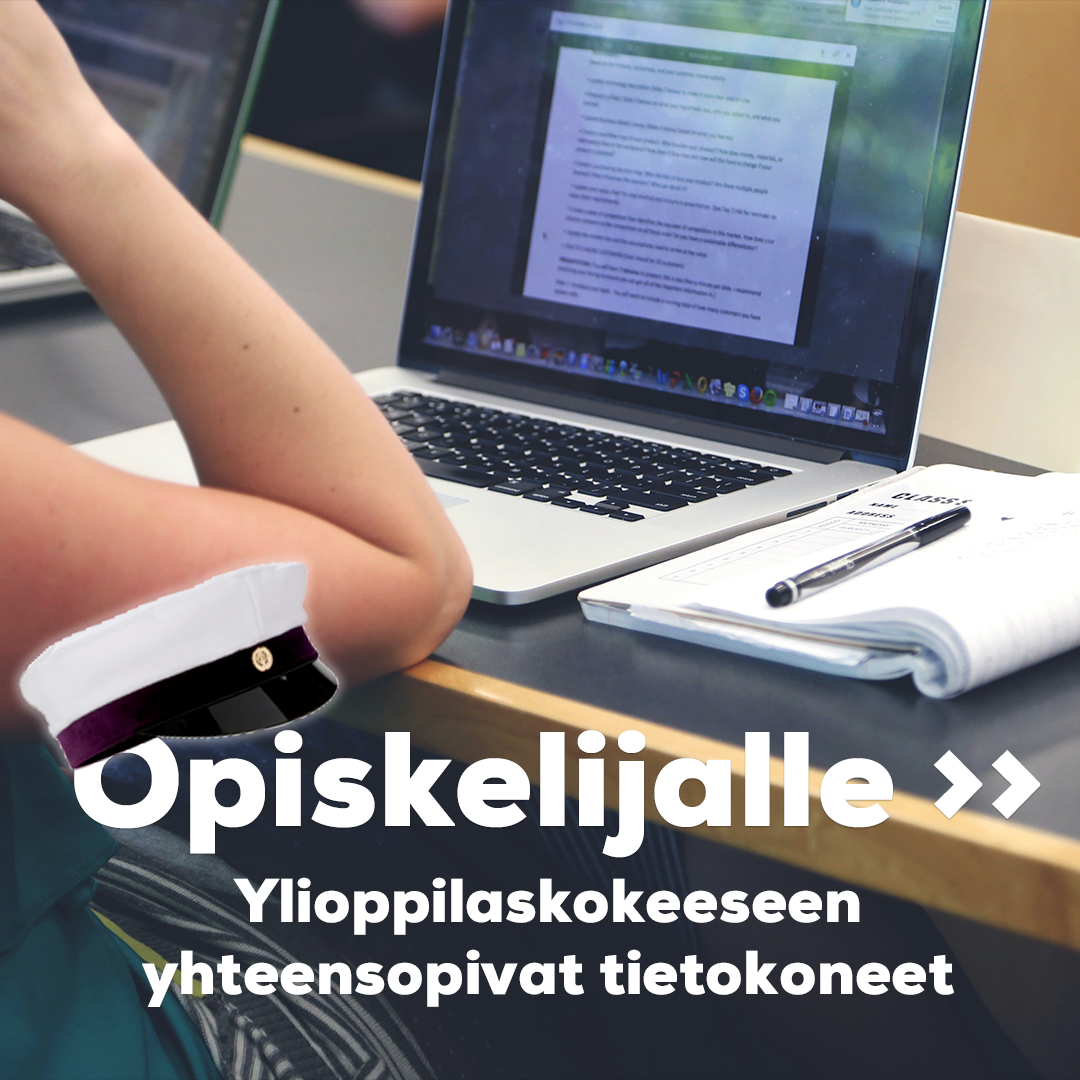
To know what kind of laptop you should buy, consider the specific use it will be put to. Is a computer for remote work needed? Or will the laptop be used for gaming? A computer for high school and matriculation exams requires specific features.
Outline what features a good laptop should include. Different brands have various features worth exploring before choosing your own laptop. You will find popular brands in our selection, such as Lenovo, ASUS, HP, Apple, and Acer.
.jpg)
Size of the Laptop Screen
Before buying a laptop, you should consider what size screen you need. The most common screen sizes for laptops are 13.3”, 14”, 15.6”, and 17.3”. A larger screen is a good option if the computer will not be moved frequently or if it will be used for gaming. If the laptop is carried along on business trips or to school, a computer with a smaller screen is a better choice.
A 14” laptop is very popular because it is easy to carry, and the screen size is sufficiently large. A smaller-screened computer is convenient for students, as it easily fits into a backpack. A lightweight version of laptops is the Chromebook, which runs on Google's own Chrome OS and is designed for light web-based use. It includes only basic features for internet use and media viewing. When selecting a laptop, it is also worth considering that the screen size affects battery life. The larger the screen, the greater the power consumption of the device.
.jpg)
Quality of the Laptop Screen
The image quality of a laptop screen is influenced by the type of display panel and the refresh rate (Hz) of the machine. There are also differences in screen resolutions and color brightness, which can be significant for selecting a laptop intended for gaming or image processing.
Display Panel of the Laptop
The quality of a laptop's display panel affects viewing angles and color reproduction. The most common panel options for laptops are IPS and TN.
TN Panel
The majority of laptops use TN (Twisted Nematic) panels. TN panels are the most affordable option, where the maximum viewing angles are around 160 degrees. TN panel colors are slightly darker than those of other panels. This panel type has a high refresh rate and a short response time. The disadvantages of TN panels are somewhat poorer viewing angles and inferior color reproduction. A laptop with a TN panel is a good option when color brightness is not the most important feature.
IPS Panel
Slightly more expensive laptops use superior IPS panel technology, which provides significantly better viewing angles and color reproduction. IPS (In-plane switching) panels have wide viewing angles and good color reproduction. They also feature deep contrast and very dark blacks. IPS panels are excellent for image processors and editors, as color reproduction is especially important for them.
.jpg)
Refresh Rate of the Laptop Screen
The smoothness of image quality is affected by the screen's refresh rate. This indicates how many times per second a new image is drawn on the screen. For example, a screen with a refresh rate of 60 Hz updates its pixels 60 times per second with the latest received image data. For gaming laptops, the refresh rate should be at least 60 Hz, preferably 120 Hz or higher.
.jpg)
Laptop Processor
The laptop's processor affects all the machine's functions and its overall performance. A high-end processor is an excellent choice for heavier uses, such as video editing and gaming. A lower-powered processor is suitable for lighter tasks, such as web browsing or word processing. The most common laptop processors are made by Intel or AMD.
.jpg)
Computer RAM
Random Access Memory (RAM) is another critical factor affecting a laptop's performance in addition to the processor. RAM stores data during the computer's use, and it clears every time the computer is turned off or rebooted. Thus, RAM is not used for permanent data storage.
If the laptop will be for light basic use, it is recommended to purchase a laptop with at least 4 GB of RAM. For gaming, 8 GB is the minimum requirement. Video editing, media processing, and the latest games require 16 or even 32 GB. RAM can also be easily upgraded to a larger capacity, so its size does not limit your options.
The amount, speed, and type of RAM are decisive factors when using multiple applications simultaneously. The more resources RAM has at its disposal, the smoother the simultaneous use of multiple applications will be.
.jpg)
Storage - Laptop Hard Drive
The storage of the computer indicates how much data can fit on the hard drive. The hard drive stores software and files, for example. The most important feature of hard drives is their size, meaning that a larger hard drive is better. When choosing a laptop's hard drive, it is good to determine how much storage space you need and how fast the hard drive should be. Keep in mind that a slow hard drive can limit the performance of the laptop. Laptops typically have 2.5-inch hard drives. A general rule of thumb for choosing a hard drive is that you cannot have too much storage space. If considering between two different sizes of hard drives, it is usually smarter to choose the larger option.
Hard drives are divided into two types based on the storage technology used: SSD (Solid State Drive) and HDD (Hard Disk Drive). SSD drives are more resistant to heat and shocks, and files and programs load very quickly compared to older HDD drives. SSD drives are also almost silent.
.jpg)
Graphics Card
The graphics card is a computer component responsible for rendering graphical elements on the screen. Basic laptops intended for regular use do not have a dedicated graphics card, as it is not an essential component.
The graphics card significantly affects a laptop's performance when gaming or using heavy 3D modeling applications. Therefore, a graphics card is an essential component for using heavy 3D applications. If you want to invest more, very powerful graphics cards are also available for computers, providing extreme performance for both gamers and creative professionals.
.jpg)
Other Laptop Features
Backlit Keyboard
A backlit keyboard is a useful feature on a laptop if it is intended for use in environments with varying amounts of light. In backlit keyboards, the symbols, numbers, and letters are nearly translucent, allowing light to pass through. The incoming light also illuminates the area around the keyboard, which helps in visibility. Some laptops allow adjustments to the brightness of the backlit keyboard. Most backlit keyboards have white light, but gaming laptops may have colorful lights.
.jpg)
Data Security
It is very important to protect your laptop using a security service such as F-Secure Total to avoid viruses. F-Secure Freedome is a cloud-based service that protects your internet connection, device, data, and identity. Since the protection takes place in the cloud, the application is lightweight and always up to date. When you are connected to a public WiFi network, Freedome VPN encrypts your data so that no one else can access it. It prevents third-party internet tracking and ensures your privacy by hiding your IP address.
- Avoid phishing sites, protect your identity and privacy.
- Antivirus protection keeps your device and files safe from infections.
- A VPN application makes your computer and phone anonymous online.
- Store, retain, and manage your passwords securely and easily.
.jpg)
Explore our extensive and diverse selection of laptops.
We assist you in product selection both in chat and at our Euronics stores.
Welcome to our service!