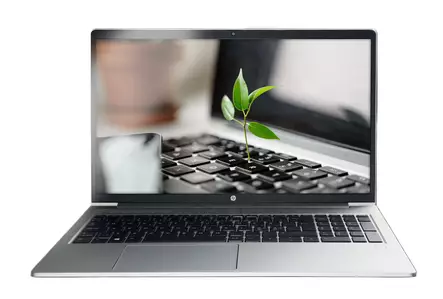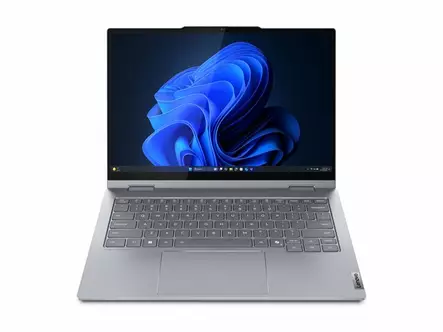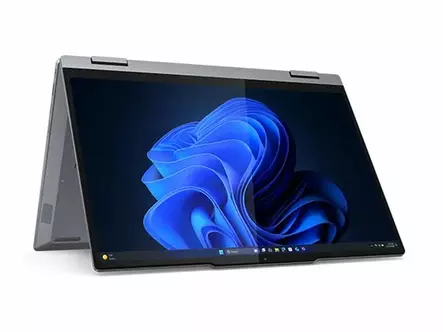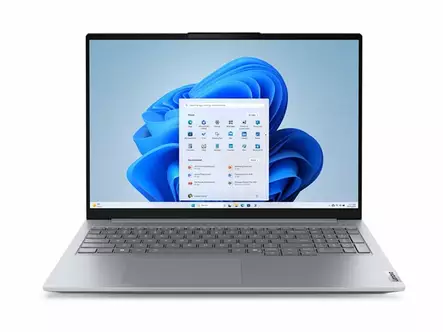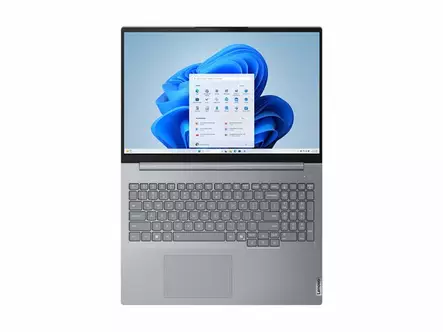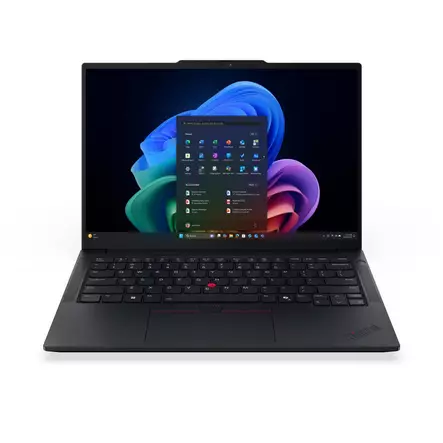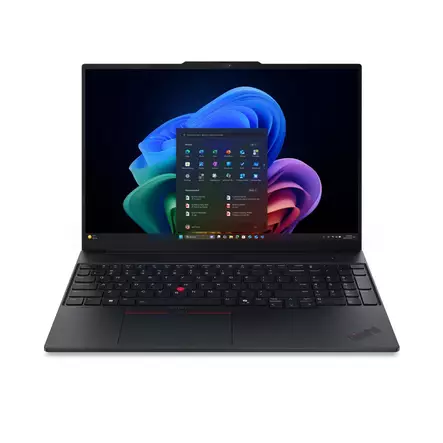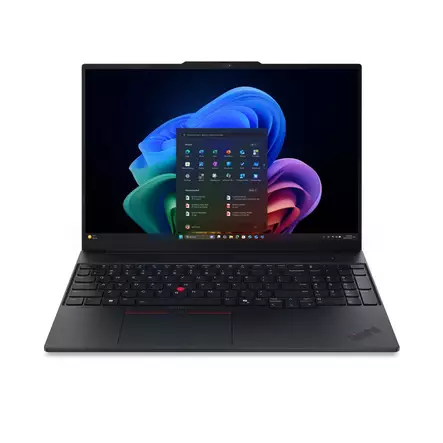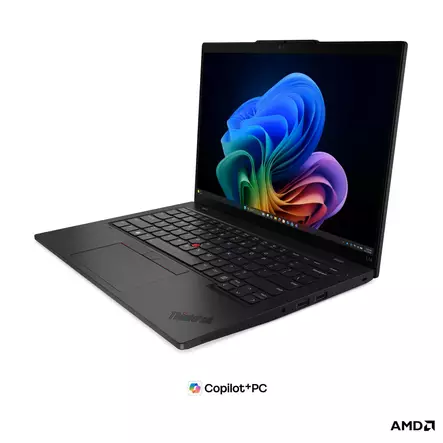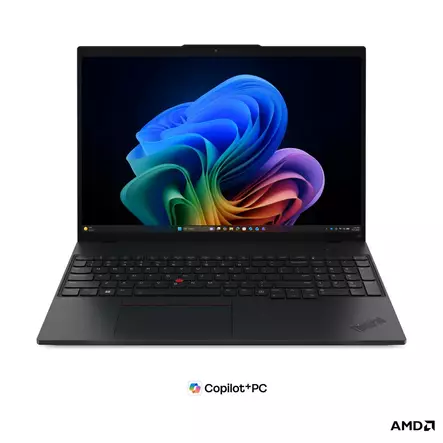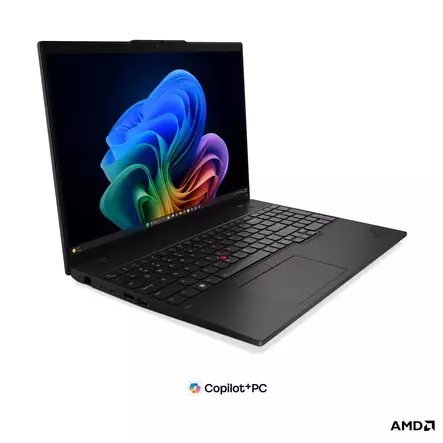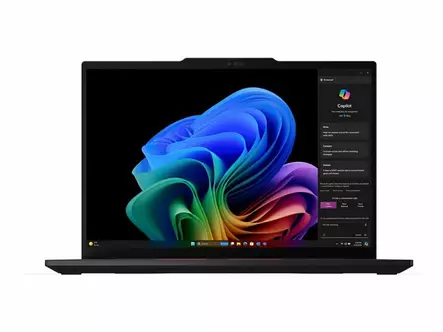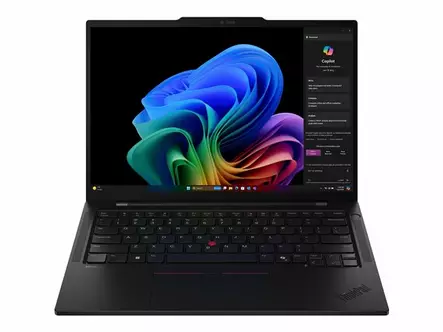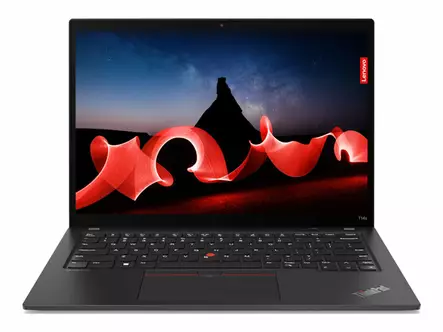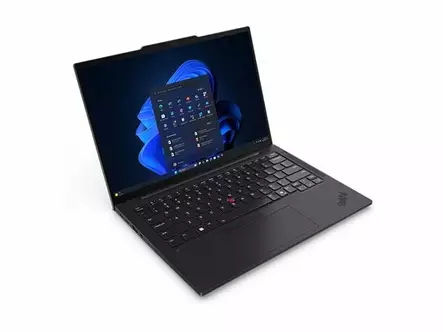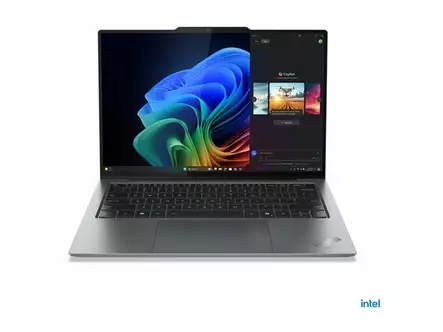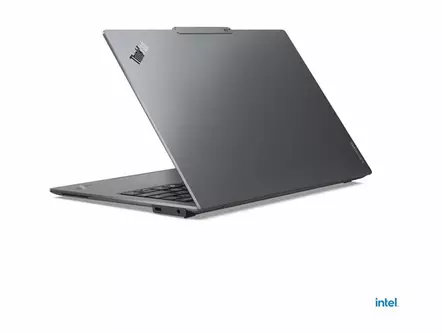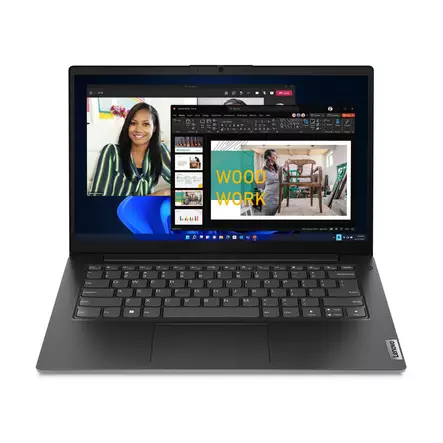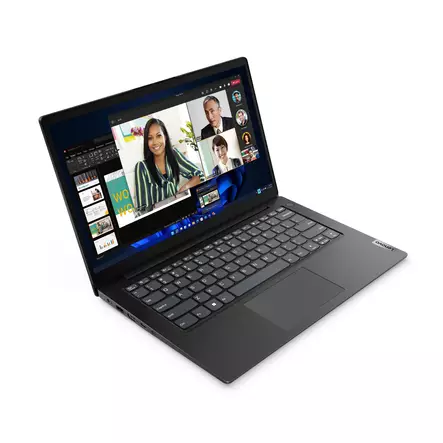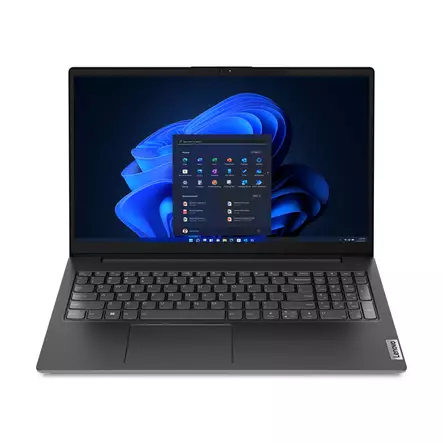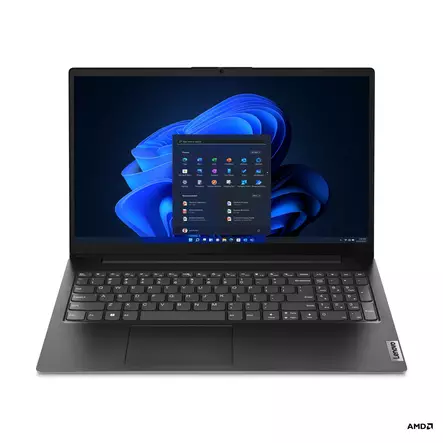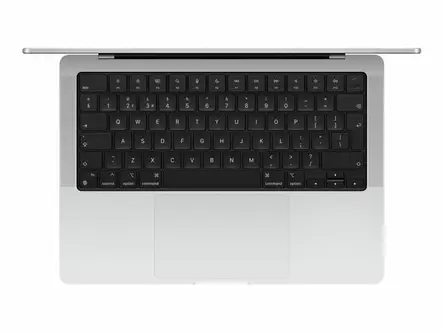

Choose a business laptop for manageability, security and a durable build. Almost all business computers in our range have Windows 11 Pro, whose BitLocker encryption, once enabled, protects your files if the computer is lost, and which lets the company manage the computer. Almost all of them also have a backlit keyboard, and most have a 14-inch or 16-inch screen. Memory is most often 16 or 32 GB and storage 512 GB.
Most of the business laptops in our range are Lenovo ThinkPad and ThinkBook models, and the range also includes refurbished business laptops. In store we set up the computer and install Windows updates for you.


A business laptop is a tool that has to withstand daily use, transport and varying working conditions. Most business computers in our range are Lenovo ThinkPad and ThinkBook models. ThinkPads are built to be carried every day, and ThinkBooks are made for small businesses. Business computers come with fewer pre-installed extra programs, and they usually have Windows 11 Pro, which makes it easier to manage computers on a company network.
Security is supported by, for example, BitLocker encryption, a TPM security chip and, in many models, a fingerprint reader or face recognition. Windows 11 has its own built-in antivirus, and F-Secure security software adds, for example, a VPN connection and password management. Business computers in our range most often have 16 or 32 GB of memory and 512 GB of storage, and the screen is usually 14 or 16 inches. For office software and video meetings, 16 GB is generally enough, and 32 GB is worth choosing if you run several heavy programs at the same time. A 14-inch laptop is easier to carry, and a 16-inch one gives you more room to work.
Our range includes business laptops from Lenovo as well as refurbished business-grade computers that are delivered ready to use. Read more about refurbished computers. Other laptops are in the laptops section.
The biggest difference is in the build and software. Business laptops such as Lenovo ThinkPads are made to withstand harder physical stress, and their bodies often use metal or composite materials. They also have fewer pre-installed extra programs, and they usually run Windows Pro, which makes the computers easier to manage on a company network.
For business use, Windows 11 Pro is recommended because it has features that the Home edition lacks. These include BitLocker encryption, which protects your files if the computer is stolen, the ability to join the computer to a company domain, and the Remote Desktop host feature.
Almost all new business laptops have a USB-C or Thunderbolt port that supports docking. With one cable you connect external monitors, a mouse, a keyboard and a network connection, and the dock charges the computer at the same time if its charging power is enough for the computer. When you arrive at or leave your desk, you only plug in or unplug one cable.
MIL-STD-810 is a US military standard whose methods are used to test how devices withstand extreme conditions. The current version is 810H, and the previous version was 810G. If a business laptop has been tested to the standard, the manufacturer states which tests it has passed, for example for vibration, shocks, humidity, dust or extreme temperatures. The testing says something about the durability of the build, but it does not mean the computer can withstand anything.
Many business computers have an anti-glare, or matte, screen. A matte surface does not reflect ceiling lights or windows as strongly as a glossy screen, which makes long working days easier. Viewing angles are often wide, which helps when showing content to a colleague.
Many business laptops have a built-in physical webcam cover. It is a small slider that lets you cover the camera lens completely when you are not using it. The cover prevents filming even if the camera is activated by mistake, for example between remote meetings or when working in public places.
Often, yes. Manufacturers often offer longer and more comprehensive warranties for business models than for consumer models, and for some models an on-site warranty is available, where a service technician repairs the device at your workplace. Check the length and content of the warranty in the model's product details.
In store we can set up your computer for you: we get it ready, remove unnecessary software, install Windows updates and help you create a user account. Read more about computer installations. For accidents, Euronics Turva covers, for example, liquid damage and drops. Service prices and availability vary by store.
In our stores, you can reach our knowledgeable staff on-site. Our online store customer service is also available to help you via chat, phone and email. You can find our Euronics stores in the following locations: