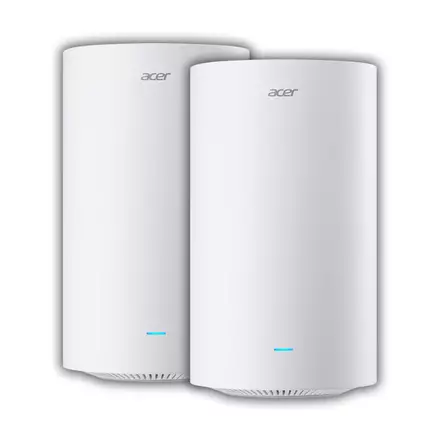
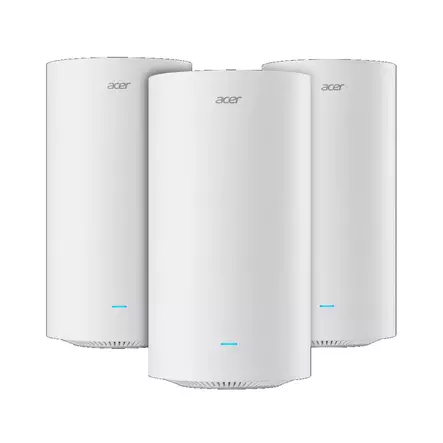
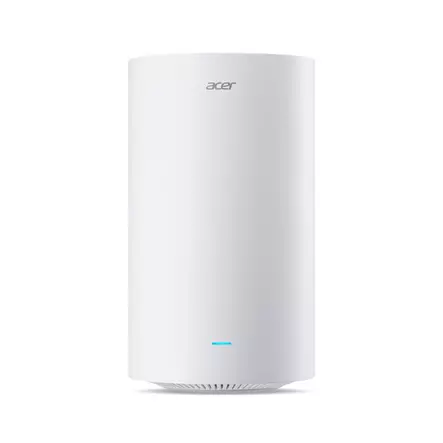
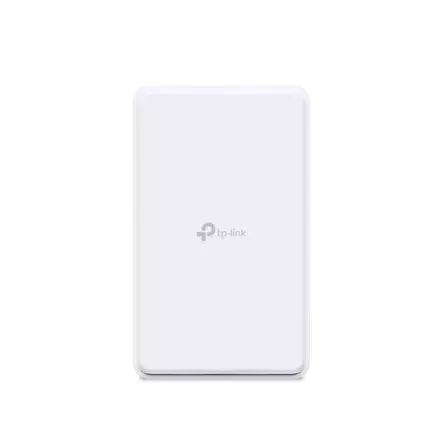
Your connection type determines the kind of router you need. For a fibre or cable connection you connect a Wi-Fi router with a cable to the fibre terminal, cable modem or network wall socket. For mobile broadband there are 4G and 5G routers that take a SIM card, and for an ADSL or VDSL connection over the phone line there are modem routers. Next, choose the Wi-Fi generation: our range has Wi-Fi 5, Wi-Fi 6 and Wi-Fi 7 routers. A mesh system, where several access points form one network, suits a large home.
Our range includes routers from TP-Link, Acer and Mercusys. It also includes pocket-sized mobile hotspots and 5G routers made for outdoor use.


A 4G or 5G router is a good solution when there is no fibre or cable to your home or cottage. You put the operator's SIM card in the router, and it shares the connection as a Wi-Fi network. You can mount an outdoor 5G router on an outside wall or a pole, as coverage is usually better outdoors than indoors. A mobile hotspot, or portable router, runs on a battery and suits trips and the cottage.
Wi-Fi 6 and Wi-Fi 7 are faster than Wi-Fi 5, and they cope better when phones, TVs and cameras use the network at the same time. You get the benefit with devices that support the same standard, and a new router does not speed up the connection itself. If your connection is faster than 100 Mbit/s, choose a router with gigabit network ports. Mesh systems are sold in packs of one, two and three access points, and you can extend the network later with an extra access point from the same system. A range extender is often enough for a single dead spot when you place it where the router's signal is still strong.
Our range includes routers and mesh systems from TP-Link and Acer as well as routers from Mercusys. For more network ports, see switches.
Place the router as centrally as possible in your home and preferably high up, for example on top of a shelf. Avoid cupboards, the floor and spots behind metal surfaces and thick walls, as they dampen the signal. A 4G or 5G router is best placed near a window, as mobile coverage is usually best there.
If your home has one dead spot, for example a back room, a range extender is usually enough. Place it halfway between the router and the dead spot, not in the dead spot itself. If the network drops out in several rooms or the house has more than one floor, a mesh system is a better fit, because its access points form one network, and devices switch between them automatically.
The router works with the SIM card of an operator's mobile broadband subscription. Check that your subscription's speed and network match the router: you only get the benefits of a 5G router with a 5G subscription and within 5G coverage. Also check the SIM card size in the router's product details.
In our stores, you can reach our knowledgeable staff on-site. Our online store customer service is also available to help you via chat, phone and email. You can find our Euronics stores in the following locations: