

- Product Code: 6935364080525
- EAN: 6935364080525
- Warranty: 3 years
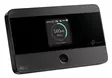
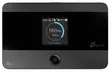
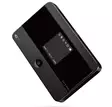
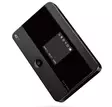
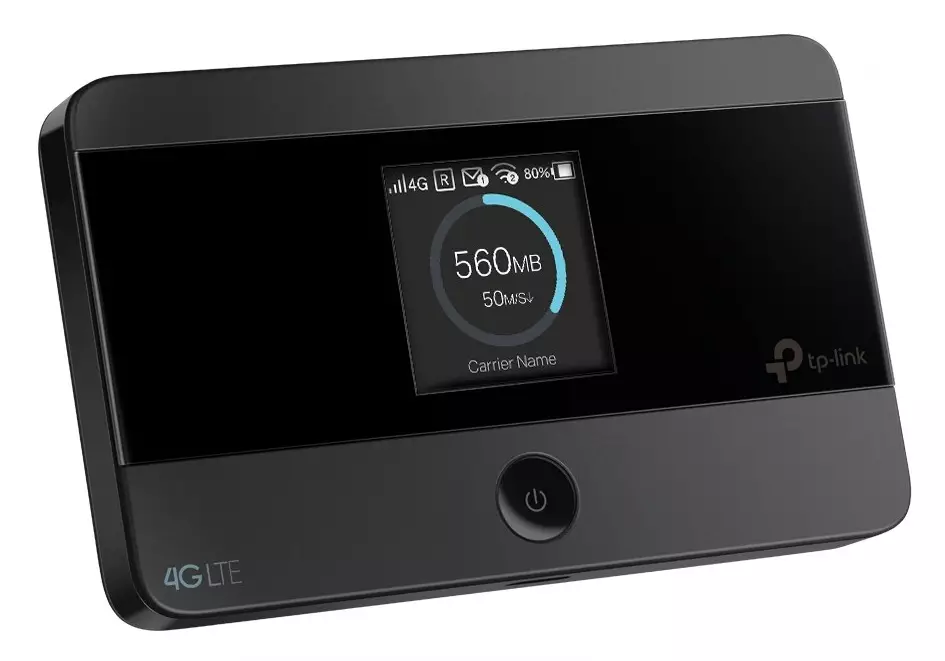
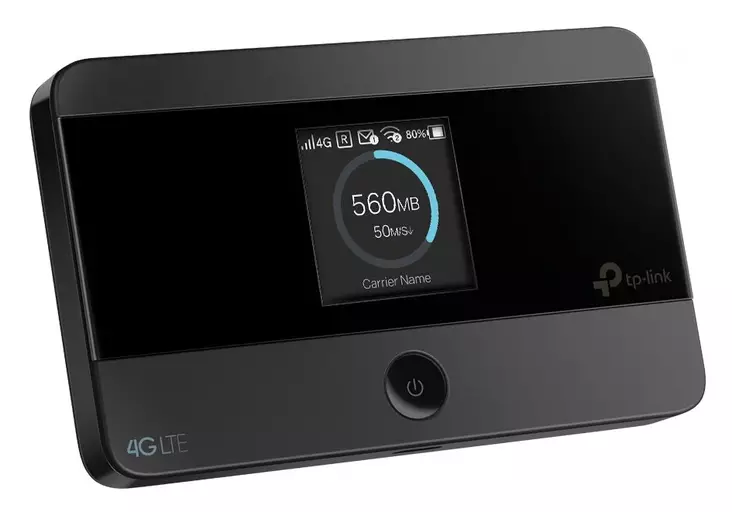
TP-LINK M7350 4G/LTE PORTABLE ROUTER / MOBILE HOTSPOT
Stay connected with the TP-Link M7350 4G/LTE Portable Router – fast internet wherever you go!
Enjoy the freedom of mobility without sacrificing speed. The TP-Link M7350 mobile hotspot is designed for those who need fast and reliable internet while traveling, at the cabin, or during work trips – no compromises.
With its built-in 4G LTE modem, you can achieve download speeds of up to 150 Mbps, and the device can share Wi-Fi with up to ten devices simultaneously. Whether you're using a laptop, tablet, or gaming console, your connection remains fast and stable.
The practical 1.4-inch colour display provides real-time information about your connection, battery life, and data usage. The 2550 mAh battery keeps the device running for up to 8 hours, and the microSD card slot (max 32 GB) transforms the M7350 into a mobile file server.
This hotspot works with all operators and supports a wide range of frequencies, allowing you to use it confidently both in Finland and abroad. The tpMiFi app enables you to manage settings directly from your smartphone.
When you need a network that travels with you – choose the TP-Link M7350.
Key Features and Technical Specifications:
product code: m7350
EAN code: 6935364080525
device type: portable 4G/LTE router (built-in modem)
maximum speed: 150 Mbps (4G Cat4), Wi-Fi: up to 300 Mbps (2.4 GHz)
Wi-Fi standards: IEEE 802.11b/g/n
Wi-Fi connection for up to 10 devices
frequency bands: GSM 850/900/1800/1900, UMTS 900/2100, LTE 800/900/1800/2600
battery capacity: 2550 mAh (up to 8 hours of use)
charging: micro-USB
display: 1.4" TFT colour display
SIM card: mini-SIM (1 piece)
memory card slot: microSD (max 32 GB)
interfaces: 1 x micro-USB
dimensions (l x w x h): 10.6 x 6.6 x 1.6 cm
weight: lightweight, easy to carry
encryption: WPA-PSK, WPA2-PSK
compatibility: Windows XP/Vista/7/8, macOS, iOS, Android
operating environment: temperature 0–35 °C, humidity 10–90 % (non-condensing)
manufacturer's warranty: 36 months
Logging into the device and SIM card PIN request
If the PIN code request is enabled:
You can either visit your operator and ask them to remove the PIN code request from the SIM card or use a phone to disable the PIN code request in the SIM card settings.
A third option is:
1. Enter the PIN code and connect your computer/mobile device to its Wi-Fi.
2. Access the device through the URL http://tplinkmifi.net
3. Log in using the password set for Wi-Fi
4. Go to Advanced > Dial-up > PIN Management
5. You can either disable the PIN code request or enable the automatic PIN unlock feature on startup.


