Laptops
Laptop meets your computing needs wherever you are. Whether you need a gaming machine, gaming laptop or a computer for exams, Euronics is the right online store for you. Laptops can also be found in our stores across the country. Our selection of computers includes business laptops for offices as well as Chromebooks. Also check out tablets and desktop computers! We also have F-Secure to protect your computer.


ACER ASPIRE LITE AL15-32P-C59Q 15.6" LAPTOP


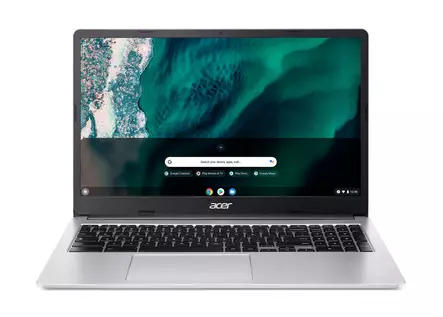
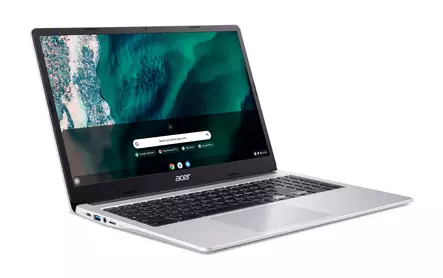
ACER CHROMEBOOK CB315-4H-C1K3 15.6" FHD LAPTOP


ACER CHROMEBOOK CB514-6H-30F1 14" LAPTOP


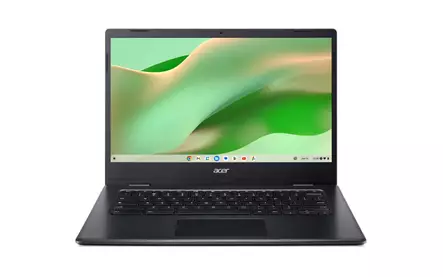
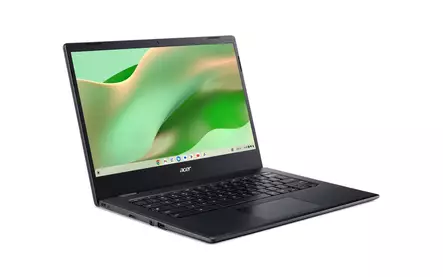
ACER CHROMEBOOK CBOA314-1H-C3Q 14" LAPTOP

FUJITSU LIFEBOOK E5411 14"


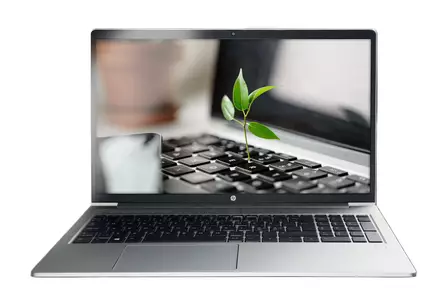
HP Laptop 14s-dq3021no 14"/ N6000/8/256Gb LAPTOP


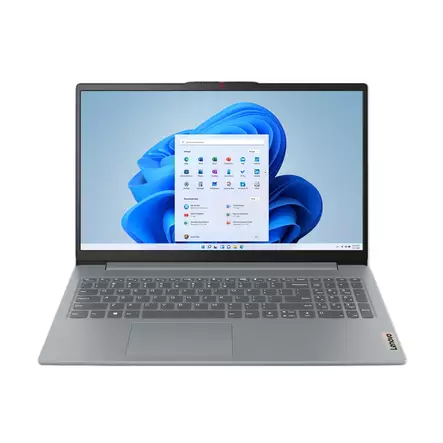
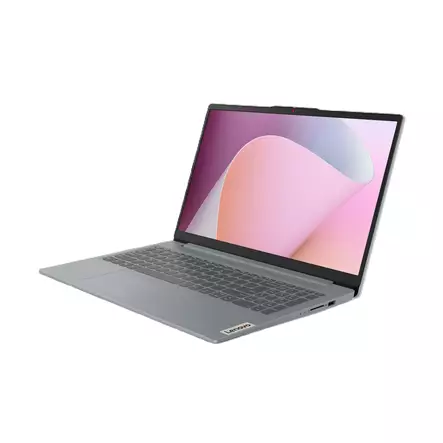
LENOVO IDEA PAD SLIM 3 15.6" LAPTOP


LENOVO IDEAPAD 1 ATH-7120U/4/128GB 14" LAPTOP


LENOVO IDEAPAD 1 R3/8/128GB 15.6" LAPTOP


LENOVO IDEAPAD SLIM 3 15IAN8 15.6" LAPTOP


LENOVO IP SLIM 3 15.6" RYZEN 3 LAPTOP
Laptops for work, studying, and gaming
Choosing the right laptop makes everyday life smoother, whether it's for remote work, studying, or demanding PC gaming. From Euronics' versatile selection, you will find the most sought-after laptops on the market from top brands such as Apple, HP, Lenovo, Asus, and Acer. Our selection covers everything from light and thin ultrabooks to powerful gaming laptops and durable business computers.
How to choose a laptop suitable for your needs?
When choosing a computer, the most important criteria are performance, screen size, and battery life.
- For a student and home use, a lightweight computer with long battery life and a good screen is often sufficient.
- A gaming laptop requires a dedicated graphics card (e.g., NVIDIA GeForce RTX) and efficient cooling.
- For image processing and heavy-duty work, it's worth investing in a large amount of central memory (RAM) and a powerful processor.
When acquiring a new computer, it is also of paramount importance to take care of data security. We recommend immediately getting the Finnish F-Secure security software for your device, which protects against viruses and online threats. If you need more in-depth information about components and features, check out our comprehensive laptop buyer's guide.
FAQ - Frequently asked questions about laptops
How much central memory (RAM) should a laptop have?
For basic use (web surfing, streaming, word processing), 8 GB of RAM is currently the minimum recommendation. If you use the computer for multitasking, image processing, or gaming, we recommend at least 16 GB of memory. A larger memory ensures that the computer stays fast even after years and does not slow down when using multiple programs simultaneously.
What is a Chromebook and who is it suitable for?
Chromebook is a laptop that uses Google's lightweight Chrome OS operating system. It is designed specifically for using cloud services. Chromebooks are often affordable, fast to start up, and have excellent battery life. They are perfect for schoolchildren, students, and basic use where the main focus is on using the browser.
What is the difference between Intel Core and AMD Ryzen processors?
Both manufacturers offer excellent processors. Generally speaking: the Intel Core series (i3, i5, i7, i9) is known for strong performance, especially in utility software and gaming. The AMD Ryzen series (3, 5, 7, 9) often offers an excellent price-performance ratio, strong multi-core performance, and good energy efficiency, which can extend battery life. The choice depends more on the individual model than the brand.
What size SSD drive is sufficient?
The need for storage space depends on the user. 128 GB is the absolute minimum, which is enough for the operating system and basic programs, while 256 GB is already intended for the more demanding user. If you save a lot of photos, videos, or games on your computer, we recommend at least a 512 GB or 1 TB (terabyte) SSD. Cloud services reduce the need for local storage space.
What is the best laptop for a student?
The best computer for a student is lightweight (under 1.5 kg), durable, and equipped with a long battery life (at least 8–10 hours) so that it can last the whole school day without charging. A 13–14 inch screen is often the most optimal size, as it easily fits in a backpack. The feel of the keyboard is also important for someone who writes a lot.
Do I need a dedicated graphics card?
If you only use the computer for office work, watching videos, and browsing the internet, the graphics card integrated into the processor is perfectly sufficient. However, if you play modern PC games, edit 4K video, or do 3D modeling, you need a computer with a powerful dedicated graphics card (e.g., the NVIDIA GeForce RTX series).
How do I extend the battery life of my laptop?
Avoid letting the battery drain completely and, on the other hand, constantly keeping it at 100% charge, if possible. Lower the screen brightness, close unnecessary background applications, and use power-saving mode. Also, do not expose the computer to extreme temperatures (hot or cold), as it degrades the lithium-ion battery's chemistry.
Why should I choose an IPS or OLED screen?
The cheapest computers sometimes have a TN panel, which has poor viewing angles and colors. An IPS screen offers wider viewing angles and better colors, which is important for work and entertainment. An OLED screen is yet another step better: it offers perfect black levels, infinite contrast, and extremely vibrant colors, making it wonderful for watching movies and creative work.
A laptop from Euronics at a competitive price
Explore different laptops and choose the most suitable device for you, as well as the F-Secure service! At Euronics, you don't pay too much for your purchases.
Our online store's customer service is there to help you via chat, phone, and email. In our stores, you can reach our expert staff on site. From our full-service Euronics stores, you can also get the services you need for your laptop, ready-to-use installation, as well as all necessary products such as F-Secure antivirus protection. You can find our stores in the following locations: